
Hospital management system for Southern Africa
Izipo Medical: the complete system for running a hospital.
One system for the clinical side and the business side, set up, hosted and supported by Izipo for your hospital or group.

The system
What Izipo Medical is
Izipo Medical replaces the separate programs a hospital runs for records, the lab, the pharmacy, billing, accounts and payroll with one system, where every department works on the same patient record. It brings together a clinical system, a laboratory information system (LIS), a PACS for imaging and an ERP for finance and HR, built on proven open source health and business software. Izipo joins them up, sets them up for each hospital and looks after them.
What you get
The software
Clinical records, wards, lab, imaging, pharmacy, billing and medical aid, finance, HR and payroll, a patient portal and AI, in one system with one login per person.
Set up for your hospital
Your wards and beds, price lists, medical aid schemes, staff, forms and print-outs, and your existing patient records brought across.
Hosting and support
On your own servers or hosted by Izipo, with training for every role, help when you go live and regular updates.
Who it is for
Private hospitals
Clinical care, billing and medical aid claims in one place.
Hospital groups
Each hospital sees its own patients; head office sees the group.
Clinics and day hospitals
Start with the front desk, consultations, pharmacy and the till.
Public and mission hospitals
Coded diagnoses for ministry returns, on servers you control.
Made for Southern African hospitals
- Medical aid claims with ICD-10 codes, scheme and patient shares, and remittances
- Prices and accounts in Namibian dollars, or your own currency
- Namibian PAYE, social security and labour-law leave built in; other countries' rules as settings
- Keeps working on a slow or broken internet line when run on your own server
Why hospitals choose it
What sets Izipo Medical apart
Coded diagnoses
Diagnoses coded as the doctor types
The doctor picks the diagnosis in plain words; the system keeps the code. Claims, reports and ministry returns use it, with nobody looking codes up.
ICD-10 and SNOMED CT: the international code lists for diagnoses, used by medical aids and ministries.
See the clinical recordMedicine safety
A warning before the wrong medicine is given
Every prescription is checked against the patient's other medicines, allergies and conditions while the doctor is writing it.
CDSS (clinical decision support): rules that check clinical work as it happens.
See AI and decision supportInteroperability
Speaks the language other systems speak
Lab analysers, imaging machines, other hospitals, medical aid switches and payments connect through open standards, not one-off links.
HL7 FHIR for health records, DICOM for images, LOINC for lab tests.
See standards and securityBuilt for groups
Many hospitals, one system
Each hospital has its own wards, stores, prices and staff, and sees only its own patients. Head office sees the whole group.
Multi-facility: one installation, every hospital kept apart, the group seen as one.
See how access worksBuilt on open health standards
- HL7 FHIR R4
- ICD-10
- SNOMED CT
- LOINC
- DICOM
- CDS Hooks
See it in action
From every department to one dashboard
Watch one patient's visit. Each department records its part once, and it appears on the same patient dashboard for everyone allowed to see it.
Product tour
A look inside
Real screens from the live demo. Click any screen to see it full size.
Everything about the patient on one screen
- Allergies, conditions, medicines and vitals at a glance
- Visits from every hospital in the group, where allowed
- Results, images and documents in the same place
Notes, diagnoses, orders and prescriptions together
- Diagnoses coded with ICD-10 and SNOMED CT as you type
- Lab and imaging orders sent straight to the departments
- Medicine safety checks while you prescribe
Every ward and bed, and who is in it
- Admit, transfer and discharge by ward and bed
- Nursing tasks and medicine rounds
- Bed days charged automatically
A summary of the record in seconds
- Ask a question and get an answer from the patient's own record
- Draft notes for the clinician to check
- Names and identifiers never leave the hospital
Results checked before they are released
- Orders arrive from the wards with their lab numbers
- Results against reference ranges, abnormal ones flagged
- Validated results go straight back to the record
Images in the browser, from the record
- Imaging orders go to the machines' worklist
- Every image stored in the PACS (DICOM)
- Results and images back in the patient record
Prescriptions reach the pharmacy as they are written
- Dispense, label and bill in one step
- Stock by store, batch and expiry
- Reorder levels and stock takes
Every visit charged from the clinical work
- Price lists per hospital and per payer
- Scheme and patient shares split on each invoice
- Claims with ICD-10 codes, remittances matched
Live dashboards for the whole hospital
- Charged, received, owed and missing charges
- Revenue by department and by hospital
- Build your own charts and dashboards, no code
Shifts, leave and payroll in one place
- Day and night rosters by ward
- Leave as your labour law sets it
- Payroll with PAYE and social security worked out
Patients see their own health record
- Readings, visits, results and medicines
- Invoices paid online
- Questions answered from their own record
A full ERP for the business side
- Accounting, purchasing and assets
- HR, leave, shifts and payroll with local rules
- Fed by the clinical side, never retyped
How it connects
One record from the front desk to the final claim
- 1
Register
The patient is found or registered once, with a photo and medical aid details.
- 2
Consult
The doctor records diagnoses, orders tests and prescribes, with safety checks.
- 3
Test and scan
Orders reach the lab and radiology; results and images come back to the record.
- 4
Dispense
The pharmacy sees the prescription at once and dispenses from the right batch.
- 5
Bill
Each service is charged as it happens, at the right price for the payer.
- 6
Claim
The medical aid is claimed with the codes it asks for, and payments are matched.
Features
Everything a hospital runs on
Clinical
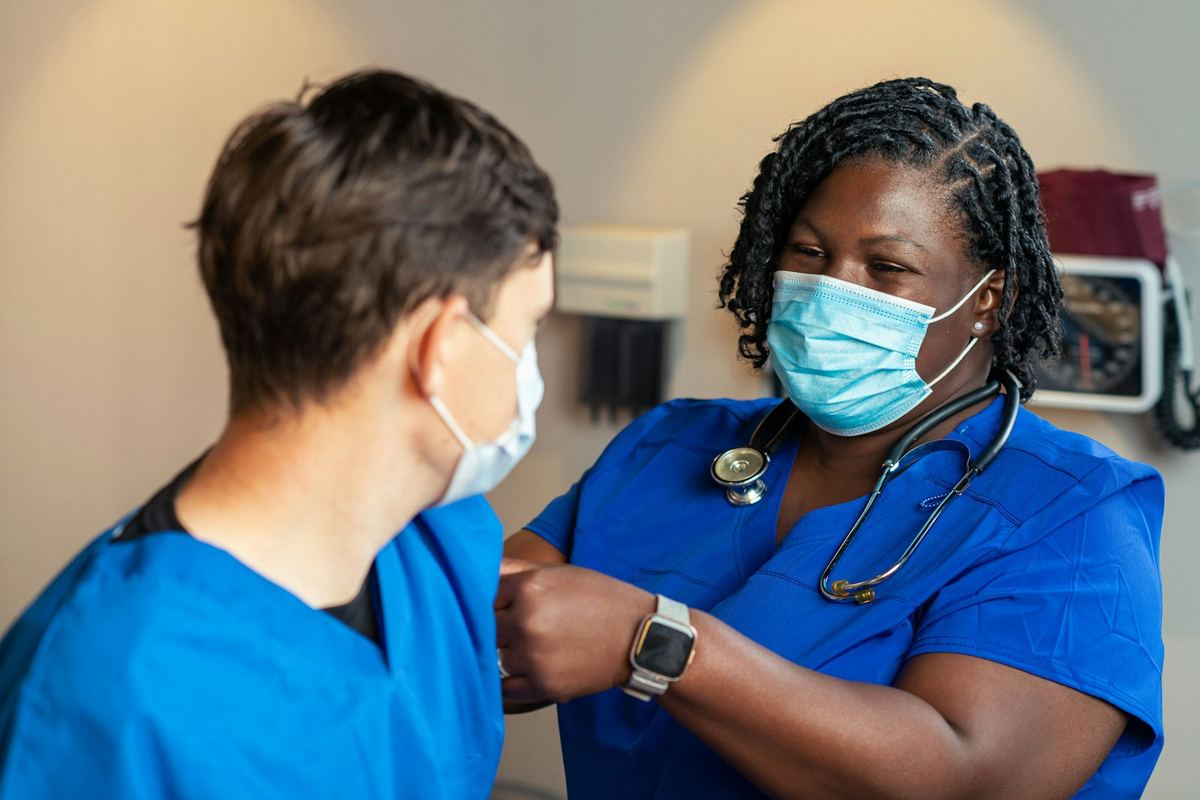
Clinical record
Registration, consultations, wards, theatre and appointments on one patient record.
Learn more
AI and clinical decision support
AI summaries and note drafts, questions about your data, and medicine safety checks.
Learn more
Laboratory
A full laboratory information system: orders arrive from the ward, results go back to the record.
Learn more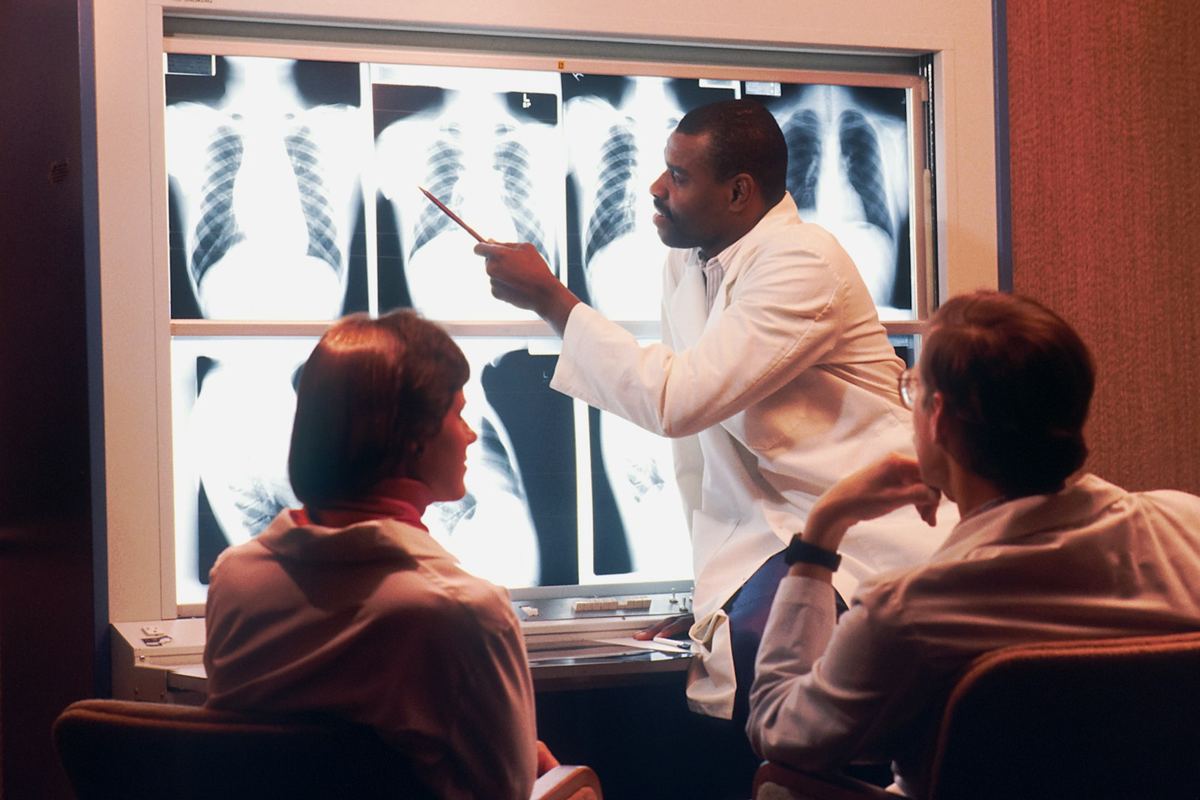
Radiology and PACS
Imaging orders to the machines, every image in the PACS, and a viewer in the browser.
Learn moreOperations
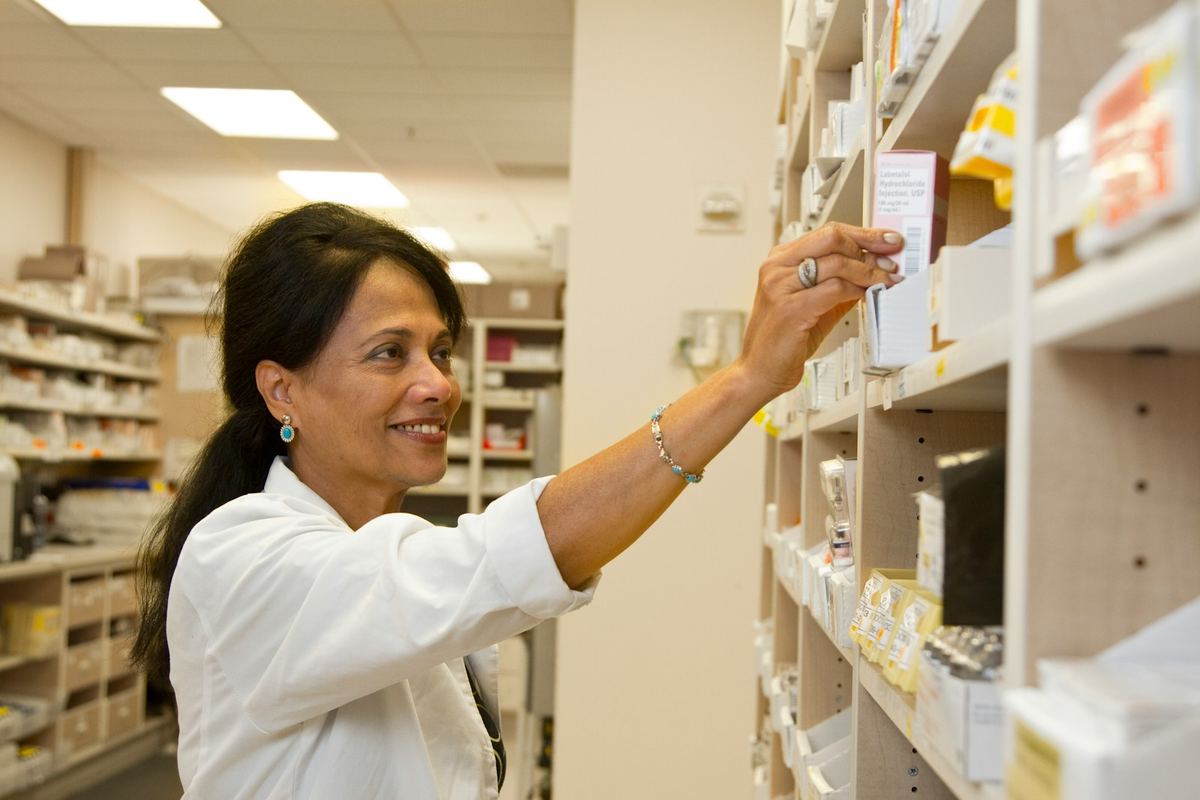
Pharmacy and stock
Prescriptions to dispensing, with batches, expiry and stores for every hospital.
Learn more
Billing and medical aid
Every service charged automatically, claims sent to schemes, payments matched.
Learn more
Operations and finance (ERP)
Accounting, purchasing, assets and budgets on a full ERP, connected to the clinic.
Learn more
HR, payroll and shifts
Staff records, professional registration, leave, shifts and payroll with local rules.
Learn morePatients and data

Patient portal and telehealth
Patients see their records and bills, pay online and ask questions; video consultations.
Learn more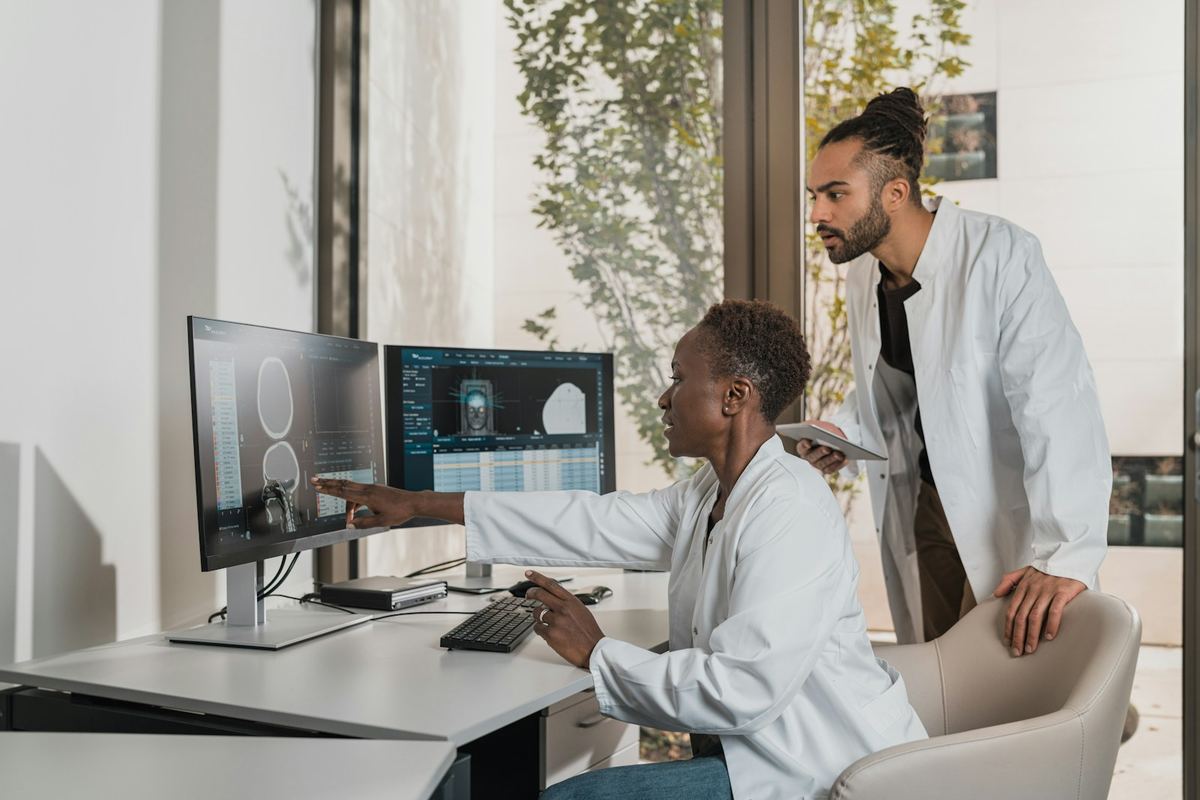
Data and analytics
Live dashboards, your own charts and reports, and plain-language questions about your hospital.
Learn moreSecurity, groups and standards
Per-hospital access, roles, audit, open standards and hosting your way.
Learn moreImplementation
Fitted to your hospital
Izipo Medical is set up for each client, not sold off the shelf. If your hospital needs it, we can build it in.
Set-up and data transfer
Your hospitals, wards, price lists, staff and medicines set up, and existing patient records brought across.
Your forms and workflows
Clinical forms, order sets, print-outs and approval steps shaped to how your teams already work.
Connections
Lab analysers, imaging machines, medical aid switches, payment providers, SMS and your existing accounting.
Training and go-live
Training by role, and our team on site or online while you go live.
Hosting your way
On your servers, in your country's cloud, or hosted and looked after by us.
Support and updates
Help when you need it, and regular updates with new features.
Questions hospitals ask
Can one system run several hospitals?
Yes. Each hospital is set up on its own, with its own wards, stores, prices and staff. Staff see only their own hospital's patients, unless their role allows more.
What happens when the internet is down?
When Izipo Medical runs on a server in your hospital, wards, pharmacy and billing keep working without the internet. Claims and online payments go out when the line is back.
Can we keep the lab or imaging system we already have?
Usually, yes. Izipo Medical connects to other systems with HL7 FHIR and DICOM, the standards most lab and imaging systems use.
Where is our data kept, and who owns it?
You own your data. It stays on the servers you choose, in open standard formats you can take with you.
Is the AI assistant safe with patient data?
Names and identifiers are never sent to the AI model, every question is logged, and only staff with the AI permission can use it, for patients they may already see.
How long does it take to go live?
That depends on the size of the hospital and the modules you start with. We agree a plan with you up front; most of the work is setting up your prices, staff and forms, and training.
See it with your own eyes
Log in to the live demo as a doctor, nurse, pharmacist, cashier or finance manager, or let us walk you through it.